Capturing the Magic: How to Share and Download Your CRATE River Trip Photos
Capturing the Magic:
How to Share and Download Your CRATE River Trip Photos
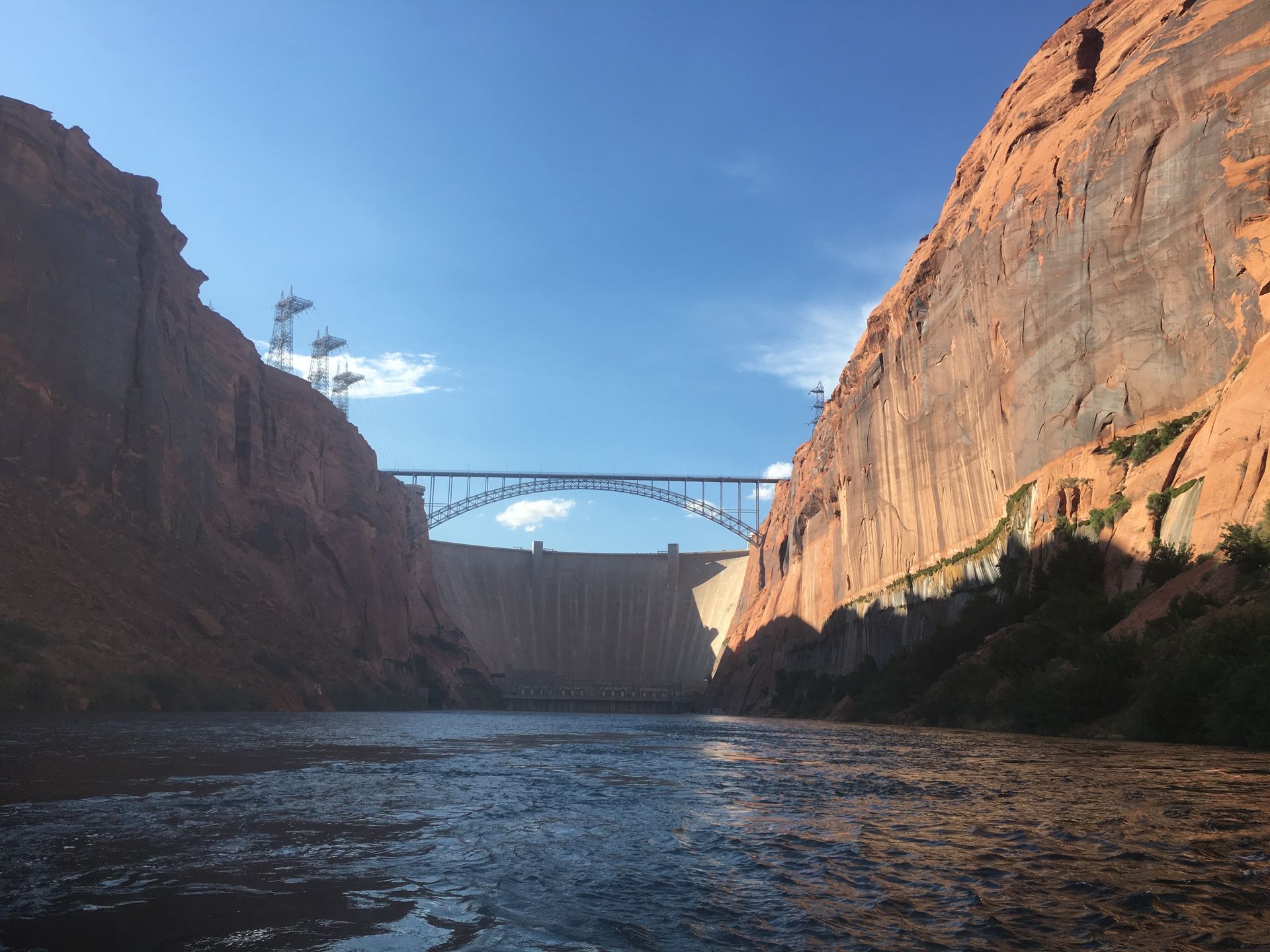
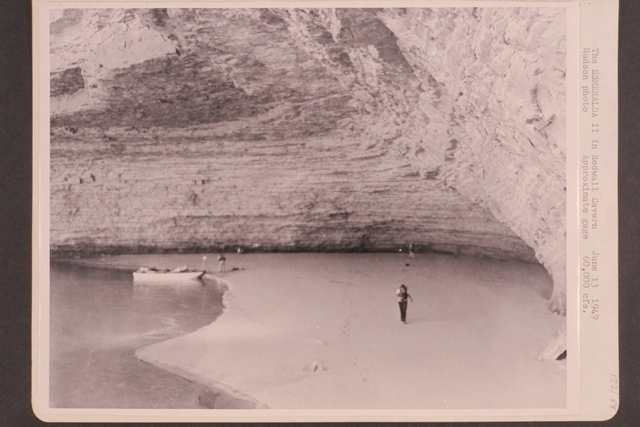
There is an old river saying: "Take only pictures, leave only footprints." At Colorado River & Trail Expeditions (CRATE), we know that the memories you make in the heart of the Grand Canyon, the depths of Desolation, or the wilds of Alaska are once-in-a-lifetime. While our guides are busy navigating rapids and prepping riverside meals, we know you were busy capturing that perfect golden-hour glow on the canyon walls or the look of pure joy after a splash in Hermit Rapid.
We love seeing the river through your eyes! That’s why we’ve created the CRATE Guest Photo Gallery—a dedicated space for our river family to swap stories, share photos, and relive the adventure together.
Here is everything you need to know about how to upload, share, and download your trip photos.
1. Find Your Adventure
To get started, head over to our Guest Gallery page.
Once there, you’ll find folders organized by River (e.g., Grand Canyon, Desolation Canyon, Cataract Canyon, Westwater Canyon). Simply navigate to the folder that matches your specific trip dates to see what your fellow travelers have already posted.
2. How to Upload Your Photos
Sharing your favorite shots with the group is easy, though there is one important requirement for adding your own content:
- Google Account Required: To upload or add photos to an album, you must be signed into a Google account. If you don't have one, they are free and easy to set up—you can sign up for a Google account here.
- Open your trip’s album from the Guest Gallery page.
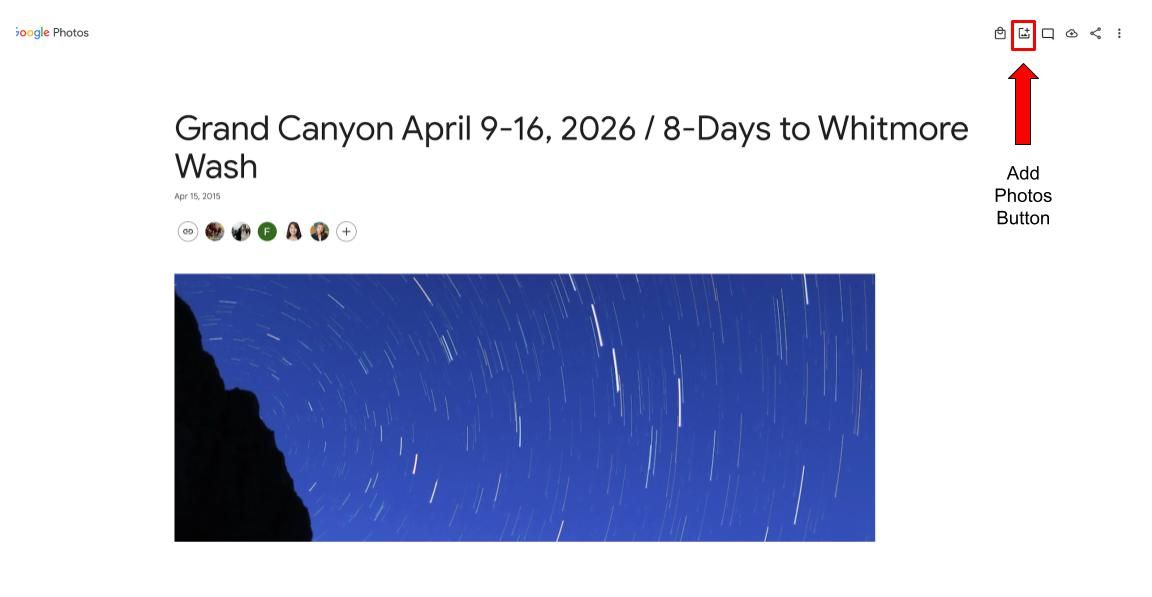
- Click the "Add Photos" icon (the "+" symbol at the top of the album).
- Select your files. You can upload directly from your phone’s camera roll or your computer’s hard drive.

3. Viewing and Downloading (No Account Needed!)
The best part is that everyone can enjoy the gallery! You do NOT need a Google account to view or download photos. If you just want to see the action or save a few shots to your device:
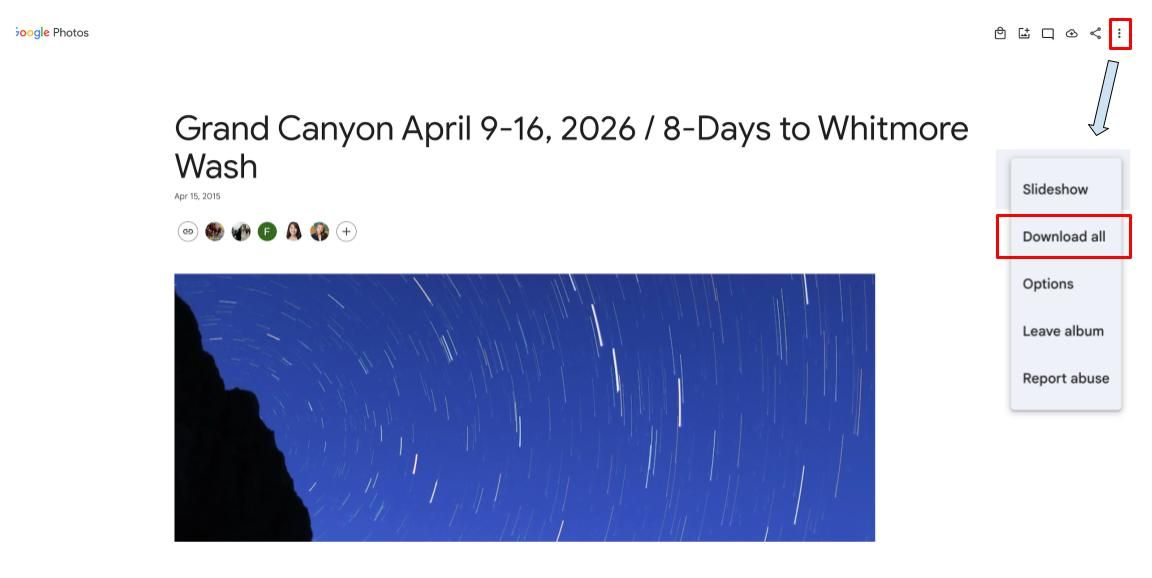
- To download the whole album: Look for the "More" menu (three dots) in the top right corner and select "Download All." This will save a zip file of every photo in the album to your device.
- To save a single photo: Click on the specific image you love, select the "More" menu, and hit "Download."

4. Why We Are Launching This Official Gallery
We wanted to make things easier, so we are excited to introduce our first dedicated, official photo-sharing platform. We’ve introduced this system to ensure:
- A Streamlined Experience: Since this is our first official photo sharing, we’ve made it the primary spot for everyone on your trip to contribute. No more DIY email chains or lost links—just one easy place for everyone to gather.
- Easy Access: It works seamlessly across mobile and desktop, making it simple to upload right when you get back to service or from your home computer once you’ve unpacked.
- Community: Most importantly, it’s a place for Friends of CRATE to stay connected and relive the shared magic of the river long after the sand has been washed out of your gear.
A Small Request (The Fine Print)
By uploading your photos to the Guest Gallery, you grant CRATE permission to use these images in our newsletters, social media, or website to help promote the protection and enjoyment of these wild places.
Ready to share your photos? Head over to the Guest Gallery now and start uploading. We can’t wait to see your favorite moments!
See you on the river,
The CRATE Crew